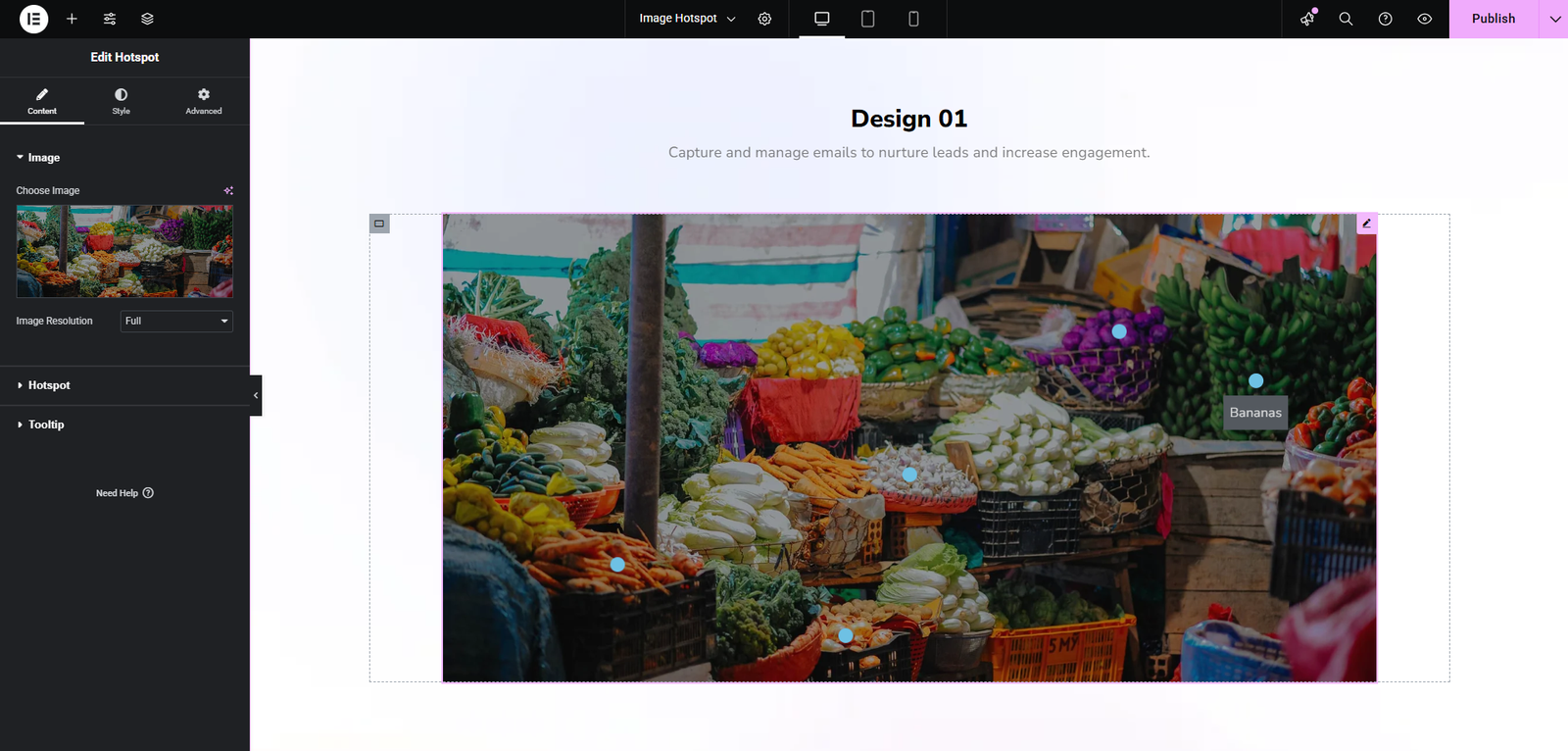
Enhance your website visuals with the UnlockAddons Image Hotspot addon for Elementor. This addon allows you to add interactive hotspots to your images, providing tooltips, descriptions, or links to additional content. Whether you’re creating product showcases, infographics, educational content, or interactive portfolios, Image Hotspot makes your visuals more engaging and informative.
With this addon, you can place multiple hotspots anywhere on an image, customize their icons, colors, sizes, and animations, and connect them to pages, posts, or external links. Each hotspot can display text, images, or multimedia content in a tooltip, helping visitors access detailed information without leaving the page.
The Image Hotspot addon is fully responsive, ensuring that your interactive images look perfect on desktops, tablets, and mobile devices. You can adjust positions for different screen sizes, add entrance animations, and apply hover effects for an engaging user experience.
Designed for Elementor users, the addon integrates seamlessly with the editor, allowing you to create and preview hotspots in real time. No coding is required, making it easy for beginners and professionals alike to design interactive content efficiently.
Perfect for eCommerce sites, educational platforms, portfolios, and corporate websites, Image Hotspot helps highlight key features, explain complex concepts, or guide users through an image intuitively.
UnlockAddons Image Hotspot for Elementor transforms static images into interactive visual experiences. Engage your visitors, provide additional context, and make your website content more dynamic, informative, and visually appealing—all with simple drag-and-drop functionality.