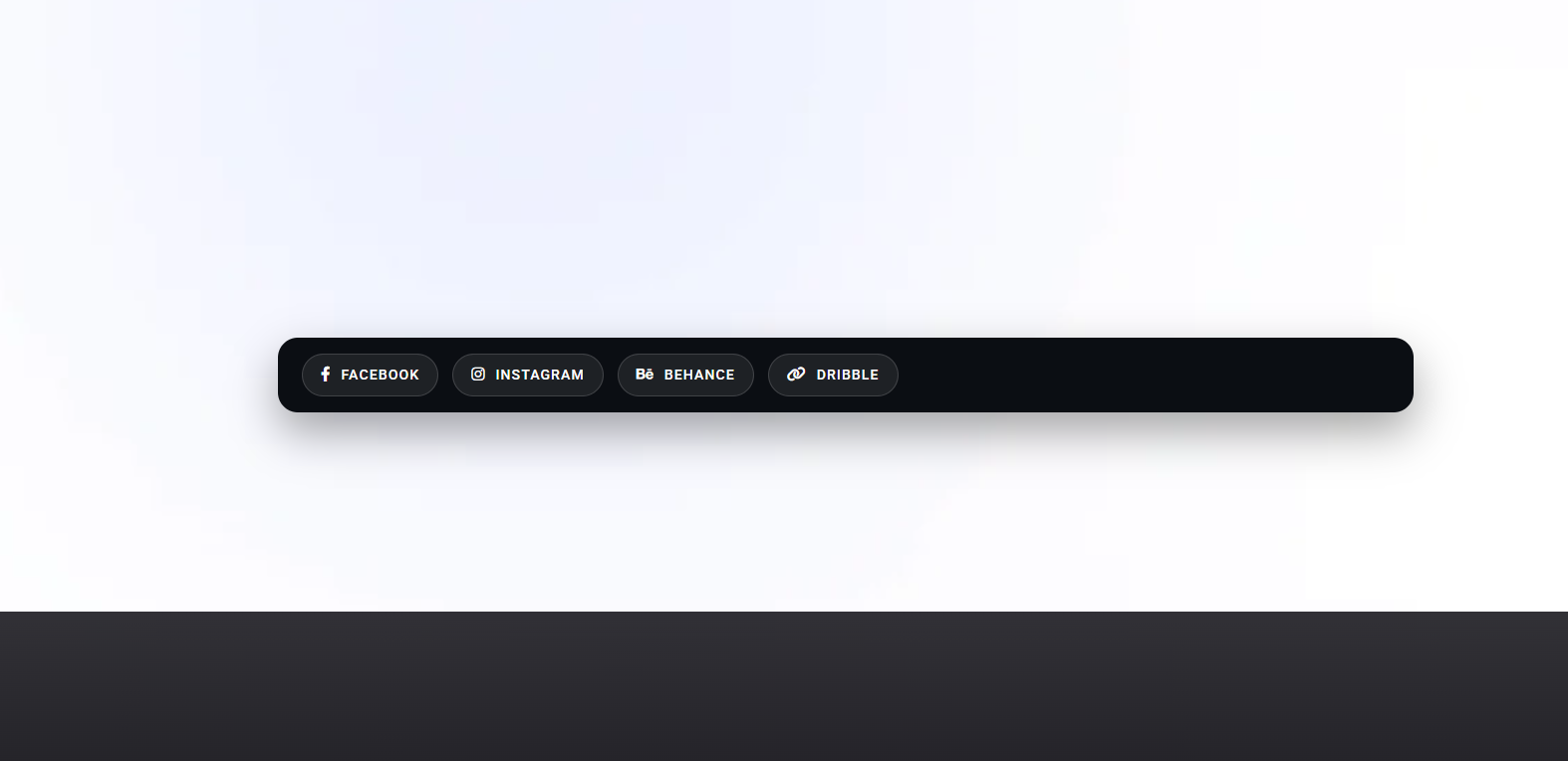
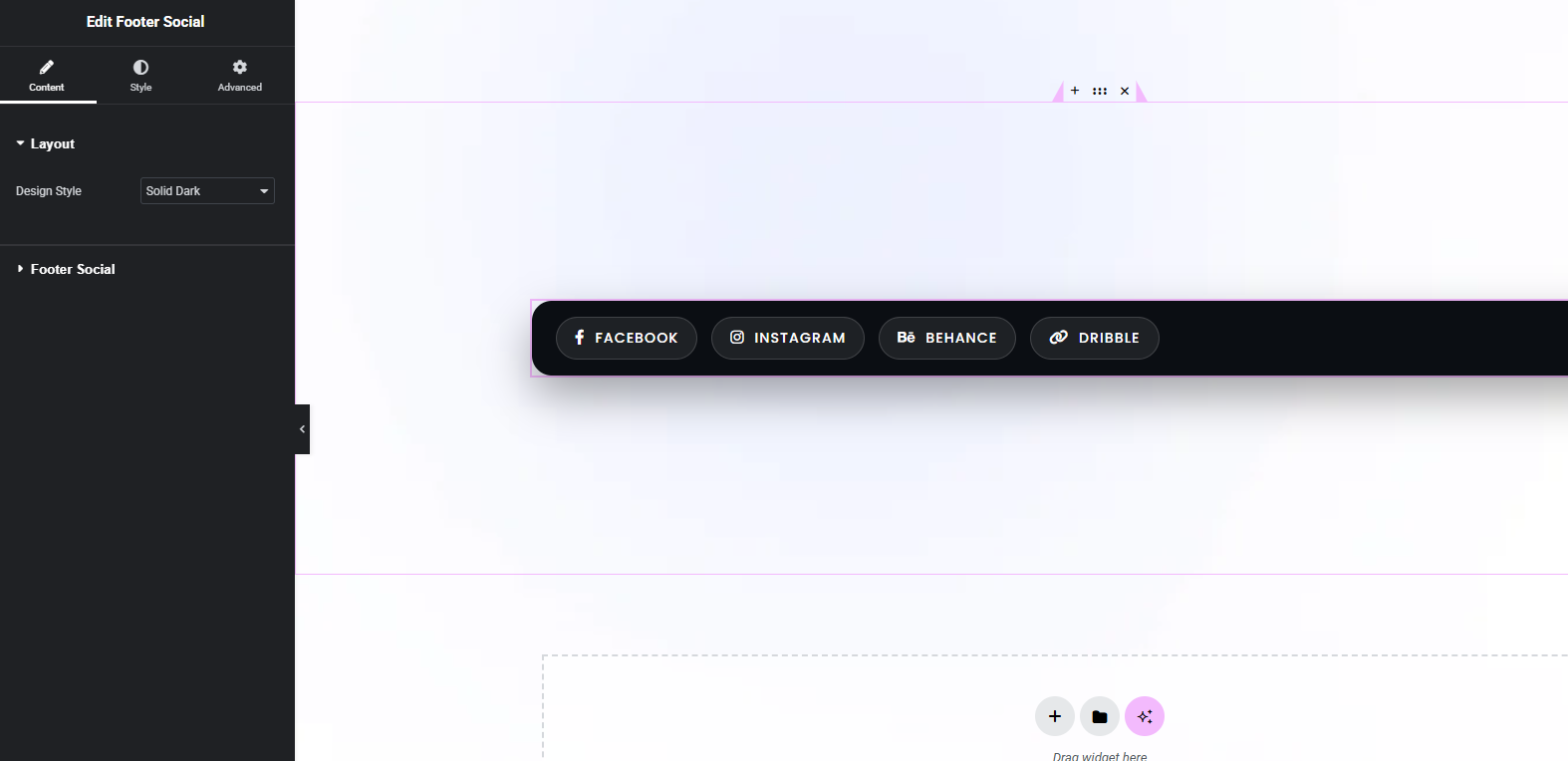
The Footer Social widget from Unlock Addons lets you display your key social media profiles as icons in the footer of your Elementor site. You can choose platforms, set links, and style icon shape, size, colors, and hover effects so your social row fits perfectly with your overall footer design.
Everything you need to build fast, flexible, and high-performing designs.
Drag & Drop Builder
Easily add and arrange elements using Elementor’s intuitive drag and drop interface.
Flexible Layout Control
Adjust spacing and alignment to create clean, balanced layouts for any design.
Responsive Controls
Fine-tune your design for desktop, tablet, and mobile for a smooth experience.
Lightweight & Fast
Optimized for speed to keep your website fast and responsive without bloat.
How To Use Social Icons
Add branded social media icons to your footer so visitors can connect with you from any page.
How to Add Footer Social Icons in Elementor
Install and activate Unlock Addons for Elementor on your WordPress site.
Open your footer template in Elementor and drag the Footer Social widget into the desired column or row.
Add social networks one by one, pick each icon from the library or upload an SVG, and paste your profile URLs.
Adjust icon alignment, size, shape (square, rounded, circular), and gap, then set normal and hover colors.
Check how the icons look on desktop, tablet, and mobile, then publish your footer so the icons appear on every page.
Perfect for Brand Visibility and User Trust
Use the Footer Social widget to keep links to your social channels visible without taking over the design. A simple, consistent row of icons in the footer helps visitors quickly find you on other platforms and reinforces your brand presence at the end of every page.
Key Features of the Footer Social Widget
Support for many social platforms
Add icons for major networks and niche platforms, and easily update links as your social strategy evolves.
Full design control
Choose icon style, background, border radius, gap, and hover animation so your social row matches your footer styling.
Responsive and reusable
Adjust icon size and spacing per device, then reuse the same footer template across your site for consistent social presence.
Three Simple Steps
Get up and running in minutes. No complexity, no learning curve.
Add the Widget
Drag and drop the widget into your layout from the Elementor panel.
Customize
Adjust content, style, and settings to match your design perfectly.
Publish
Hit publish and your design goes live instantly.
Have Questions? We Have Answers
Yes. You can add, remove, and reorder icons for any platforms you want, and assign a unique link to each one.
No. Unlock Addons works with Elementor Free and Elementor Pro, and the Footer Social widget is available without Pro‑only features.
Yes. You can use each network’s official colors or apply your own custom colors and hover effects for complete branding control.
Yes. You can adjust icon size, spacing, and alignment per device so the row stays clear and tap‑friendly on phones and tablets.
Take Elementor to the Next Level
Join 50,000+ designers creating high-converting navigation experiences with Elementor.