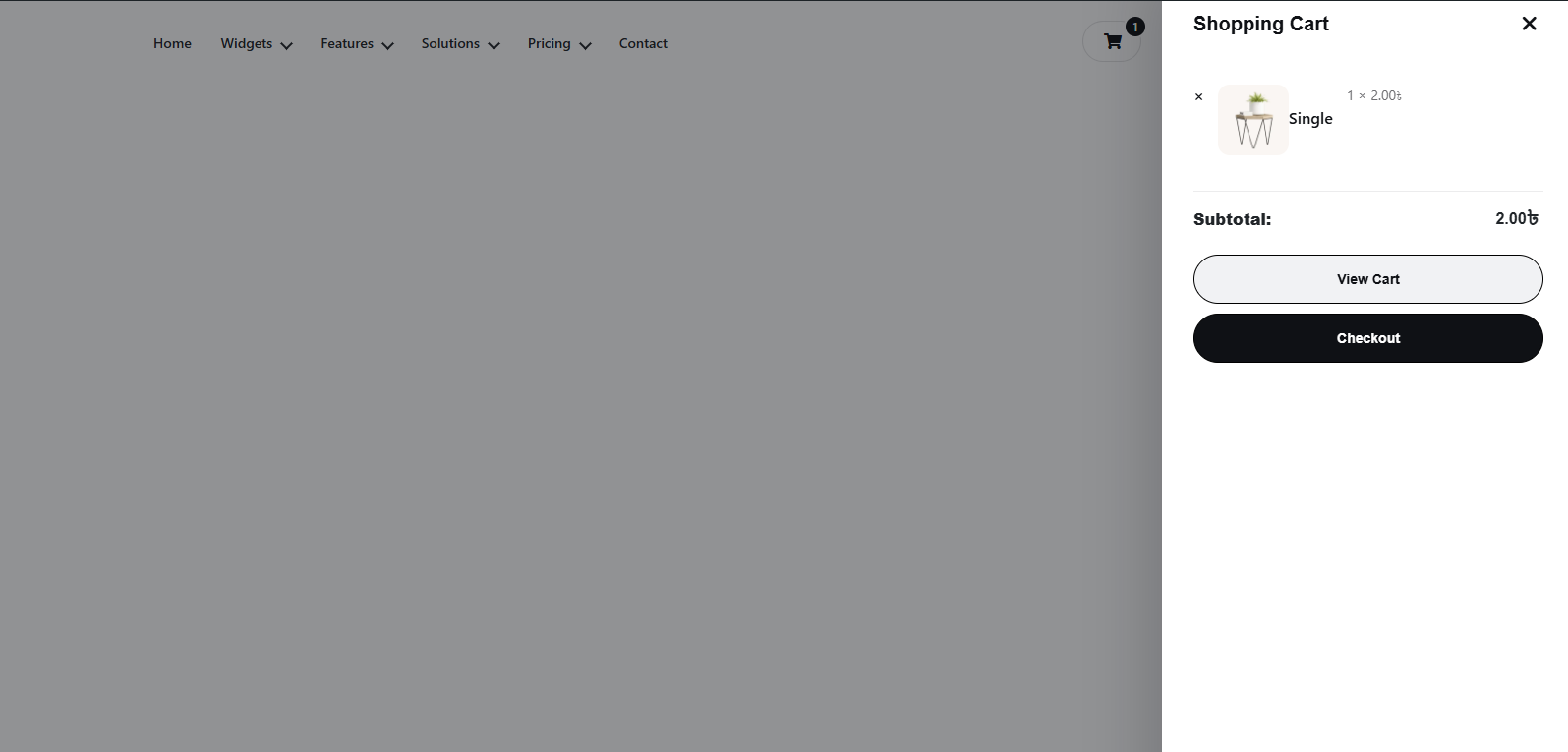
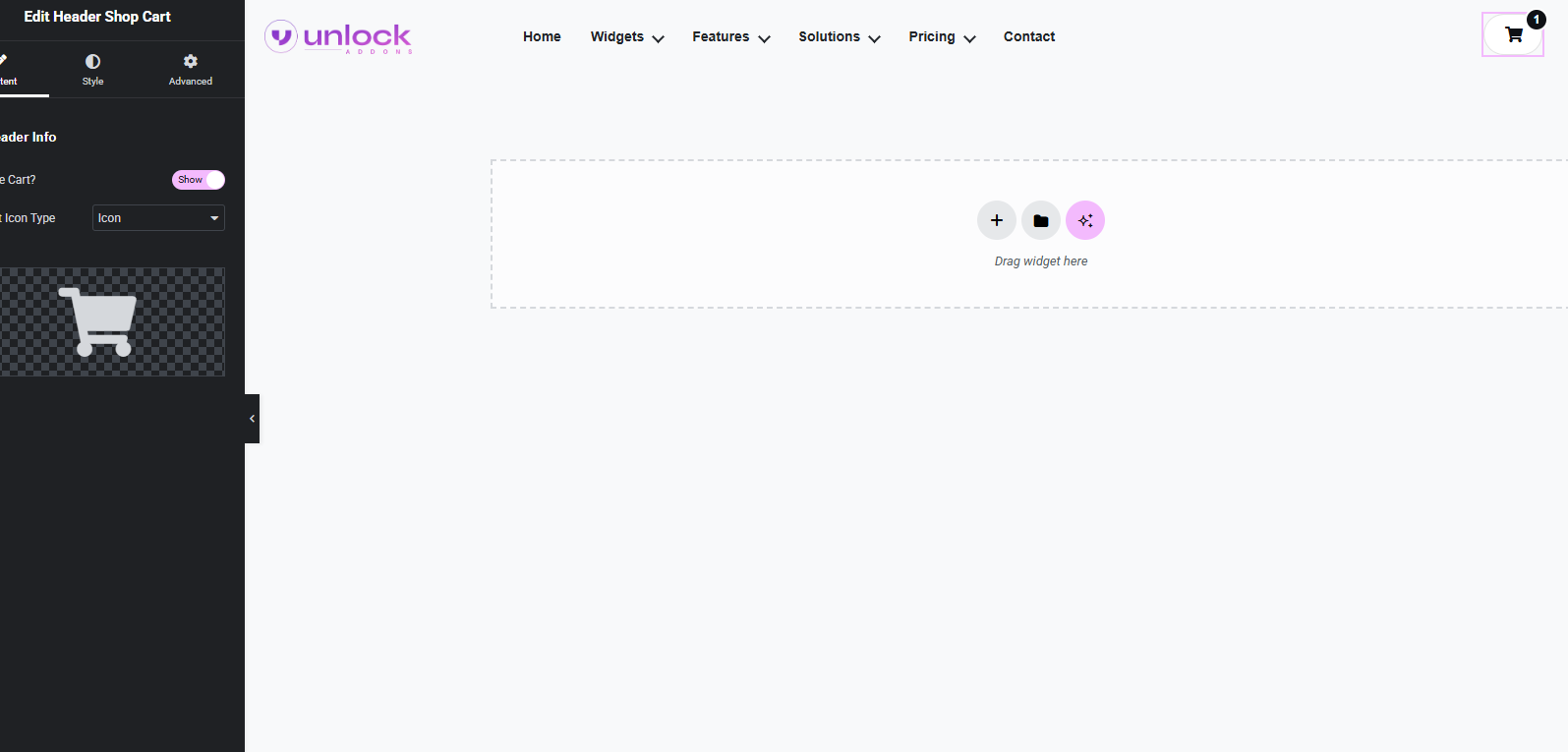
The Header Shop Cart widget from Unlock Addons lets you add a live WooCommerce cart icon directly to your Elementor header. It helps shoppers see how many items are in the cart, check the subtotal, and quickly move to the cart or checkout without leaving the current page.
Everything you need to build fast, flexible, and high-performing designs.
Easily add and arrange elements using Elementor’s intuitive drag and drop interface.
Adjust spacing and alignment to create clean, balanced layouts for any design.
Fine-tune your design for desktop, tablet, and mobile for a smooth experience.
Optimized for speed to keep your website fast and responsive without bloat.
The Header Shop Cart widget adds a WooCommerce mini cart experience to your Elementor header so customers can check their cart status at any time.
The Header Shop Cart widget is ideal for WooCommerce stores that want a faster purchase flow and better header usability. Use it on stores with product-heavy catalogs, promotional landing pages, mobile-first shop layouts, and custom Elementor headers where shoppers need cart access on every page.

Show a WooCommerce cart icon in the header that updates automatically as products are added or removed.
Let shoppers see the number of items in the cart instantly without opening the full cart page.
Display the current cart total in the header to give customers a quick pricing overview before checkout.
Reduce friction by giving users a direct path to the cart page or checkout from the header itself.
Get up and running in minutes. No complexity, no learning curve.
Drag and drop the widget into your layout from the Elementor panel.
Adjust content, style, and settings to match your design perfectly.
Hit publish and your design goes live instantly.
It adds a live WooCommerce cart icon to your Elementor header so visitors can see their cart count, subtotal, and access the cart or checkout quickly.
Yes, the widget is designed to display the number of products in the cart directly inside the header icon area.
Yes, your plugin listing specifically mentions showing the total price, which makes the widget useful for live mini-cart style headers.
Yes, a compact cart icon in the mobile header helps users review their cart status without taking too much screen space.
A header mini cart improves shopping flow by keeping cart access visible, reducing extra clicks, and helping customers move toward checkout faster.
Join 50,000+ designers creating high-converting navigation experiences with Elementor.
The Largest and Most Powerful Elements Library for Elementor.
© 2014 – 2026 Unlockaddons. All Rights Reserved